Discover nearby cab and auto drivers, view their profiles, rate & choose the driver you prefer. Reconnect with drivers you have travelled with, plan future journeys and build your own network of familiar drivers.
Illustrative visual — not an actual app screenshot.
When you look for a restaurant, shop or service, you often compare nearby options, choose a place you prefer and return to familiar places. Swaraaj brings that same idea of choice and familiarity to cab and auto journeys.
Install the Swaraaj Rider App and start building your own network of familiar drivers.
Get the Swaraaj Rider AppThink about everyday life. You may prefer a familiar grocery shop, a restaurant you already like or a service provider you know. Familiarity can bring comfort because you have an idea of what to expect.
So why should choosing a driver for your journey be any different?
Swaraaj gives you an opportunity to build your own pool of familiar drivers — people you have travelled with and may want to travel with again.
A Blue Driver Icon helps identify a driver you have travelled with before.
Find a previous driver in My Trips and send a new trip request.
Reconnect with drivers whose service and travel experience you prefer.
For a future journey, request a driver you already know, subject to availability and acceptance.
Don't just search for a cab every time. Build a network of drivers you know and prefer.
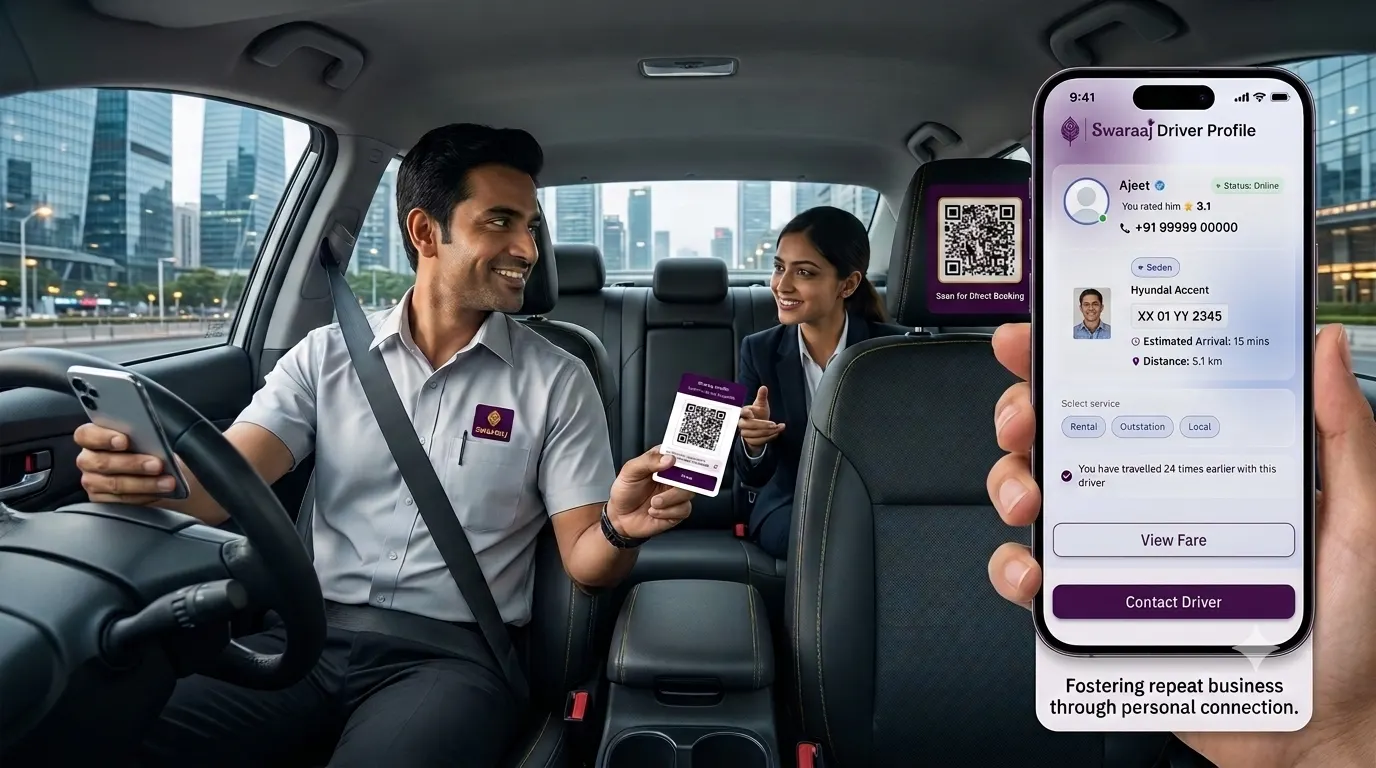
A driver profile and QR code can help riders find and connect with a driver again.
Choose the way that suits your situation — through the Rider App, a driver's profile, your previous trips or a direct roadside interaction.
View available nearby drivers, review profiles, choose your driver and send a trip request.
See booking flowOpen a driver's profile using a shared profile link or by scanning the driver's QR code.
Explore profileFind a driver from a previous journey and send another request, subject to availability and acceptance.
Build familiarityMeet a Swaraaj driver directly, take a trip without making an online Rider App request.
See Hail / SpotYou choose the driver who receives your trip request. The driver then decides whether to accept or reject it.
Open the Rider App to view available nearby cab and auto driver profiles.
Check the available driver details, vehicle information and ratings.
Select the driver you prefer, choose the trip type and clikc view fare.
Enter destination, stops, ride now / ride later, book for self / others, check fare and send request
The selected driver receives your request and can accept or reject it. The trip is confirmed only after acceptance.
After your journey, share an honest rating of your experience.
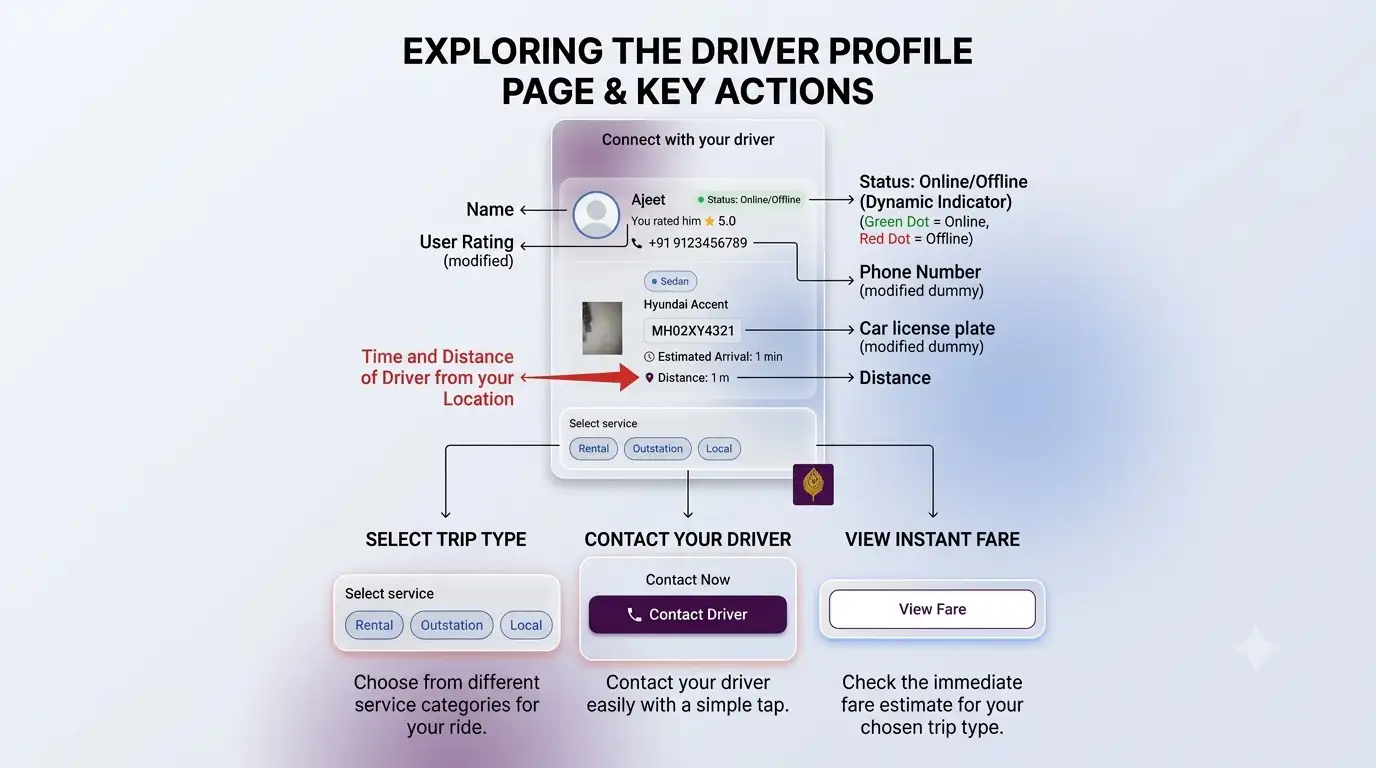
Driver profile example showing available profile information and actions. The exact details shown can vary by driver and app state.
Not every journey starts with an app search. You may meet a Swaraaj driver at a roadside pickup point, railway station, bus stop or another location and arrange a journey directly.
The driver can create and manage the Hail / Spot Trip through the Driver App. The passenger does not need to make an online Rider App booking for this type of trip.
A driver profile gives you an opportunity to review the information available about a driver.
Your Driver. Your Choice.
Illustration of driver profile details and available actions.
Invite friends, family or colleagues travelling to same destination as yours.
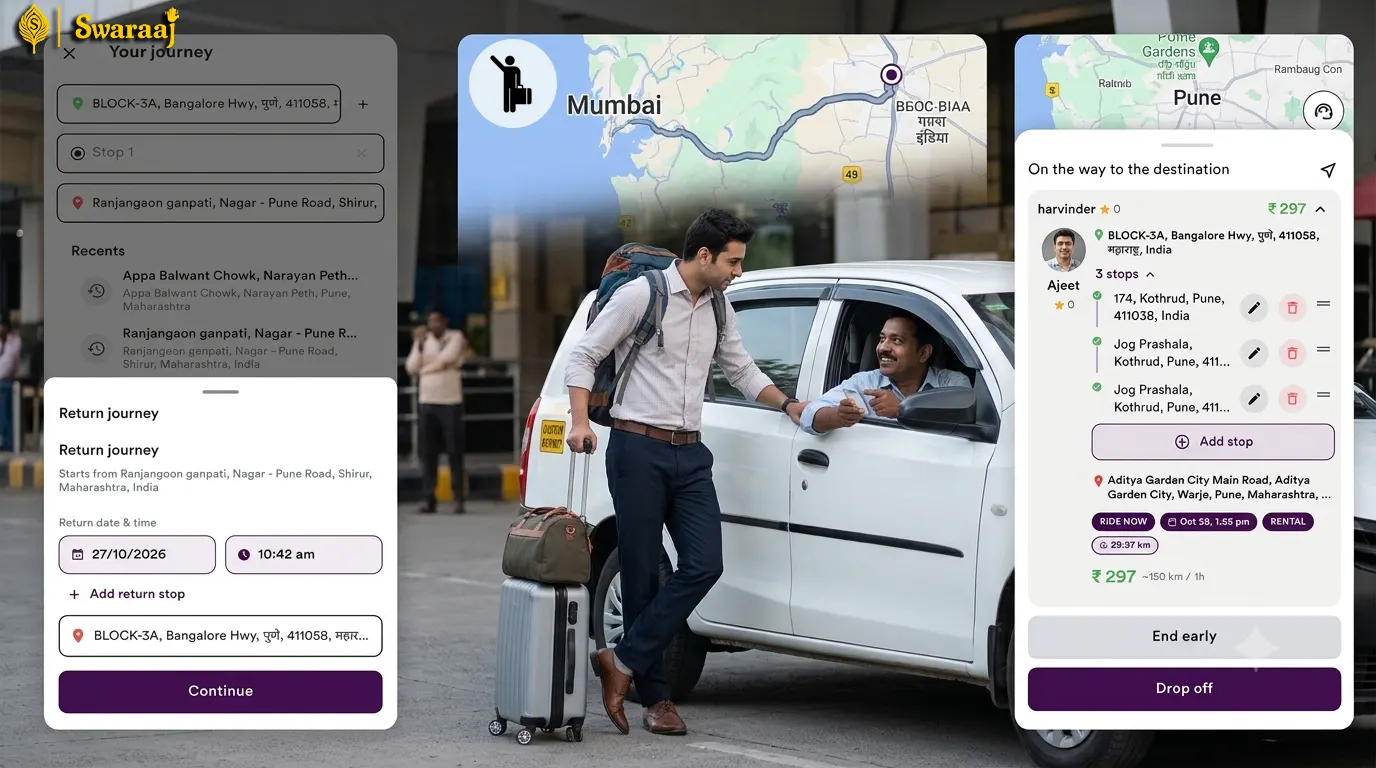
With Swaraaj Ride Later, when you select a driver and send a request for a future journey, the selected driver receives the request immediately.
The driver can review and accept or reject the request in advance. Once accepted, both you and the driver know about the planned journey ahead of time.
Unlike the 10-minute-before scheduling approach some riders may have experienced on other apps, Swaraaj sends the request to your selected driver immediately. The trip is confirmed only after the driver accepts.
Your selected driver receives your future-trip request as soon as you send it, so the driver can respond ahead of the scheduled journey.
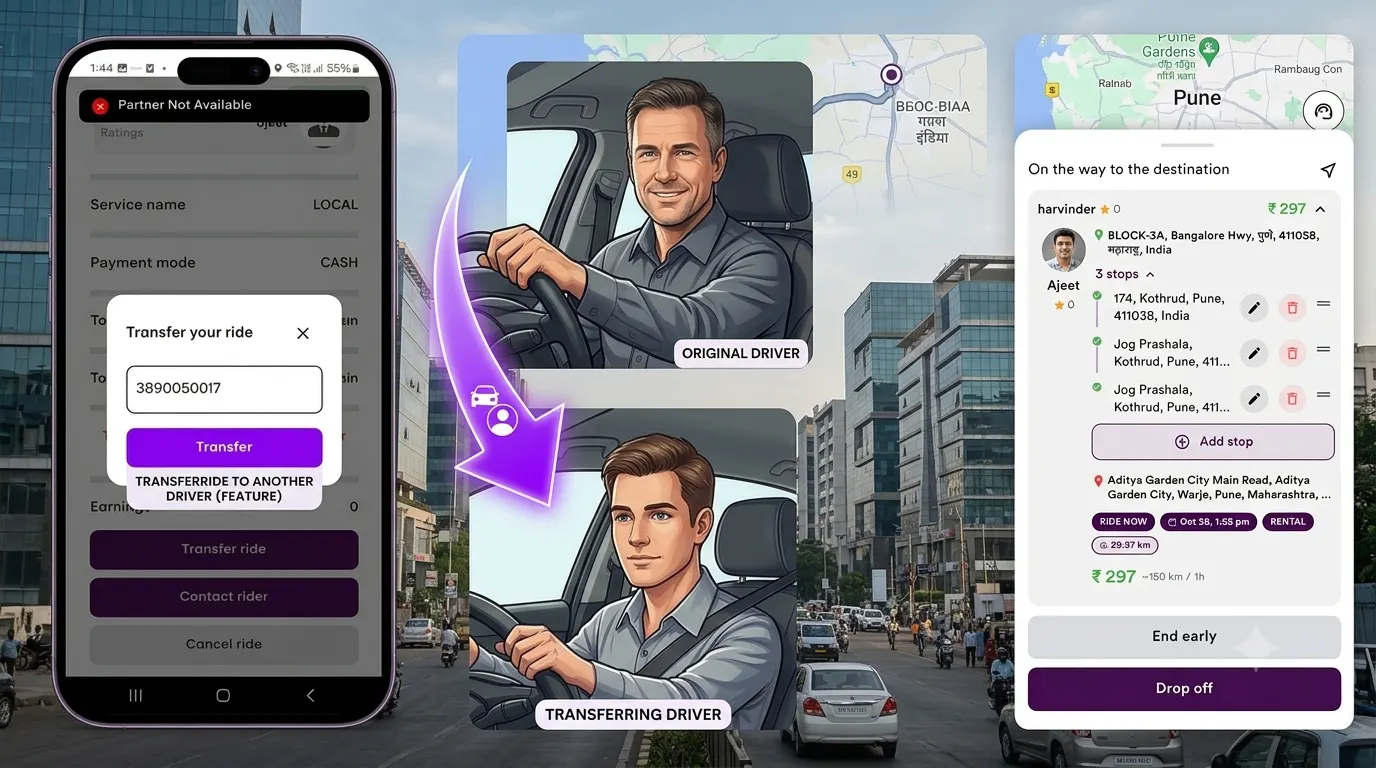
Sometimes a driver who has accepted a scheduled journey may later be unable to complete it. Swaraaj's Ride Transfer feature is intended to help in such situations.
The original driver can initiate a transfer for an eligible accepted scheduled trip. Another eligible driver can review the journey and decide whether to accept it.
The original driver can transfer the trip after discussing with another driver for his wilingness to take the trip and not randomly alloted to any driver. This helps avoid last minute inconvience due to cancellations.
The Rider App also includes familiar booking options and practical trip-management features.
Request an immediate journey.
Request a future journey in advance.
Add, edit, delete and reorder journey stops.
Share your trip location where supported.
Arrange a journey for someone else.
Access your completed trip invoice.
Discover nearby drivers. Choose the driver you prefer. Reconnect with familiar drivers. Plan ahead and travel together. Start building your own network of familiar drivers with the Swaraaj Rider App.
Your next journey could be with a driver you already know.