
Ride Now
Receive immediate trip enquiries from riders who select your profile. Review each request and decide whether to accept or reject it.
Swaraaj is a driver empowerment mobility platform that enables professional drivers to build, manage and grow their own customer relationships using technology.
Professional drivers need more than access to trip enquiries. They need practical tools to build visibility, manage their services and develop customer relationships over time.
Your ability to build customer relationships should not depend entirely on one app.
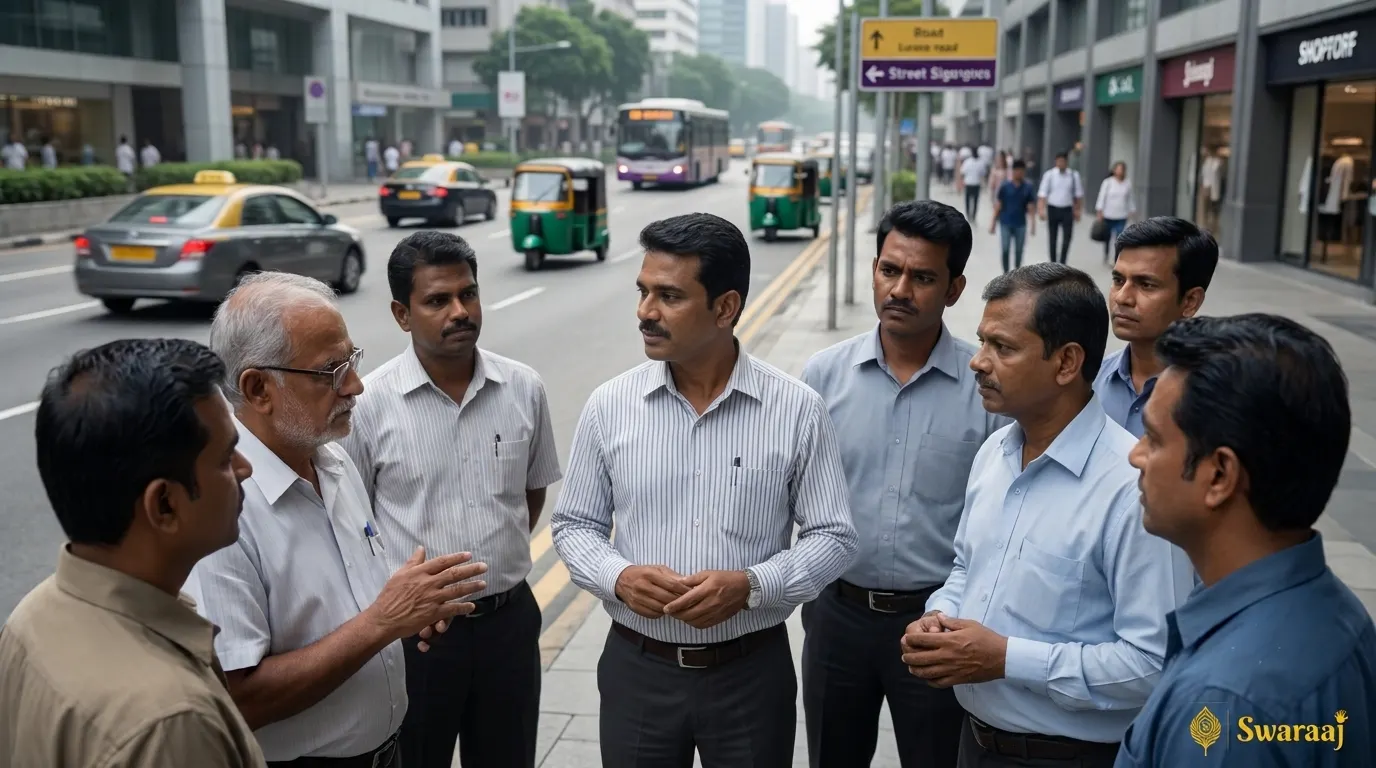
Riders can discover nearby drivers, review driver profiles and send a trip enquiry to a driver they choose. The driver can then accept or reject the request.
Your Driver Profile and Rider Network tools help you build connections with people who have travelled with you. Where supported, riders can see a Blue Driver Icon for a driver they have travelled with before and use Ride Again to request that driver for another journey.
Repeat requests remain subject to the driver's availability and acceptance.
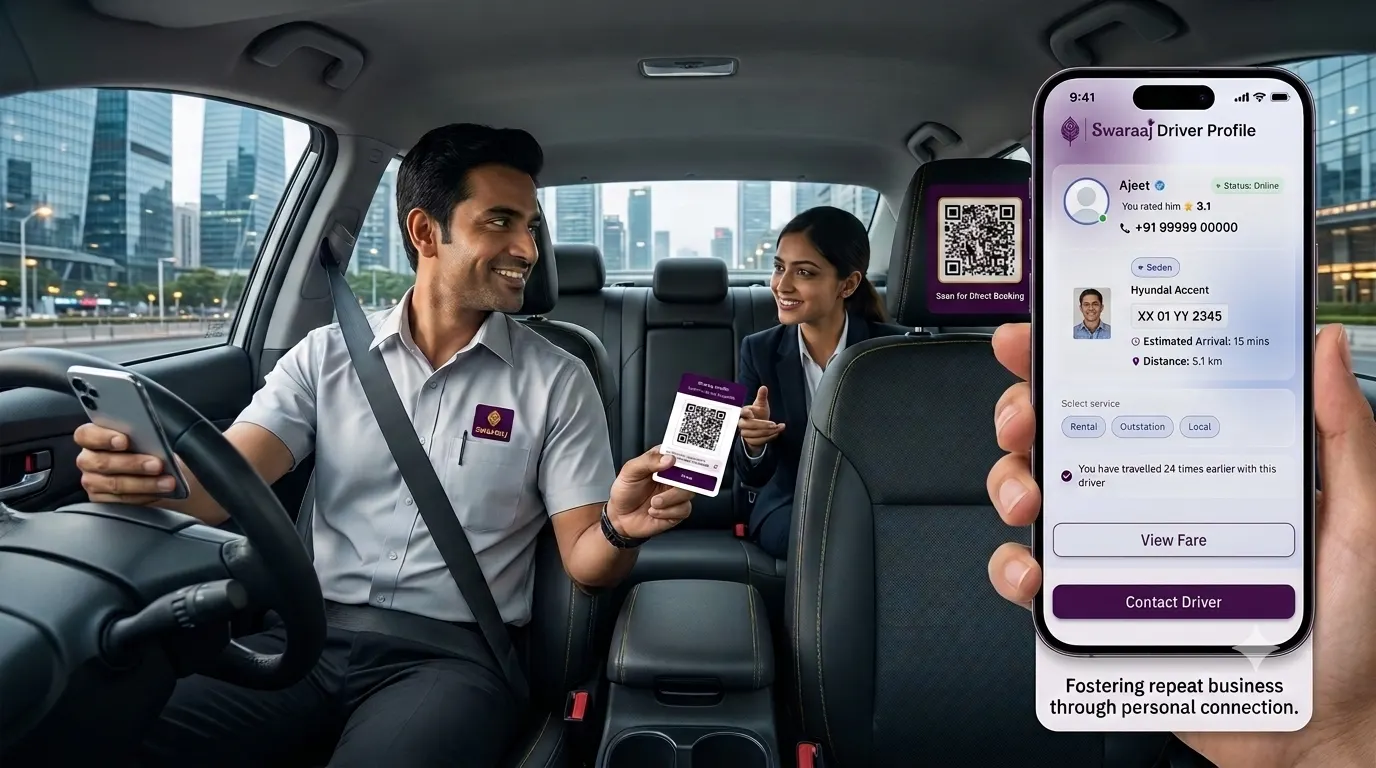
Share your driver profile with customers through available profile-sharing options. You can use your QR code and profile link on a visiting card or share them digitally, helping customers find your profile again.
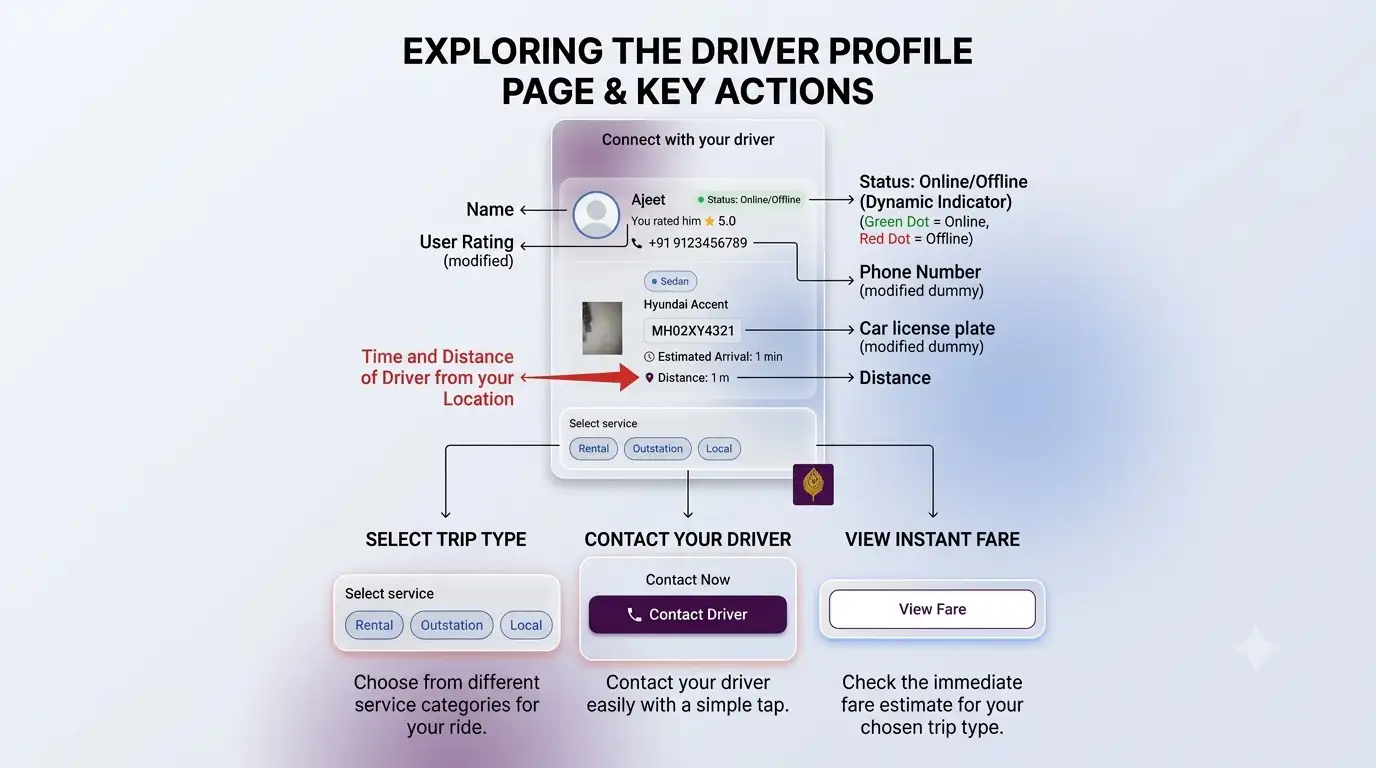
Keep your profile details up to date so riders can review the information available to them.
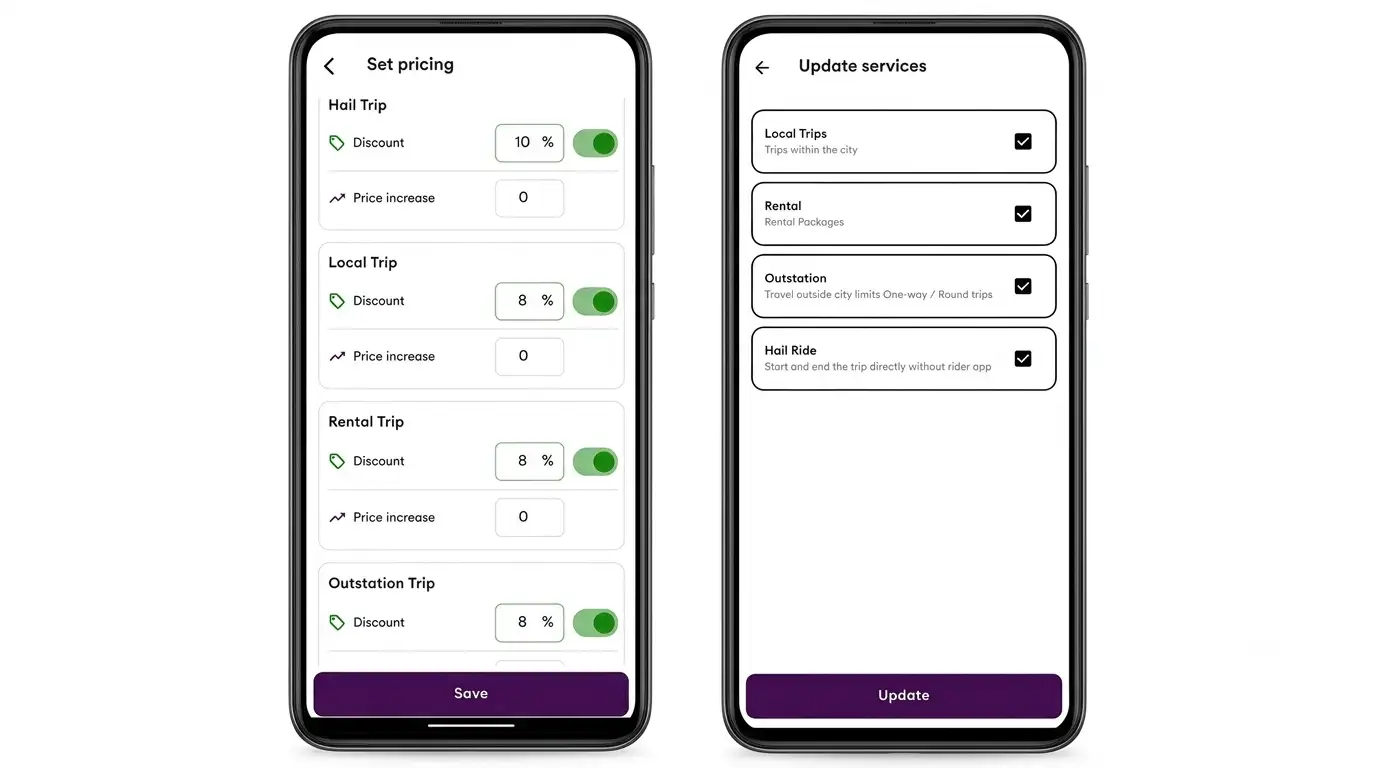
The Set Pricing screen provides options for applicable discounts and price increases across supported trip categories, including Hail, Local, Rental and Outstation trips.
Use the available controls to review your settings and save them in the Driver App. Actual fares remain subject to the applicable fare structure and platform rules.
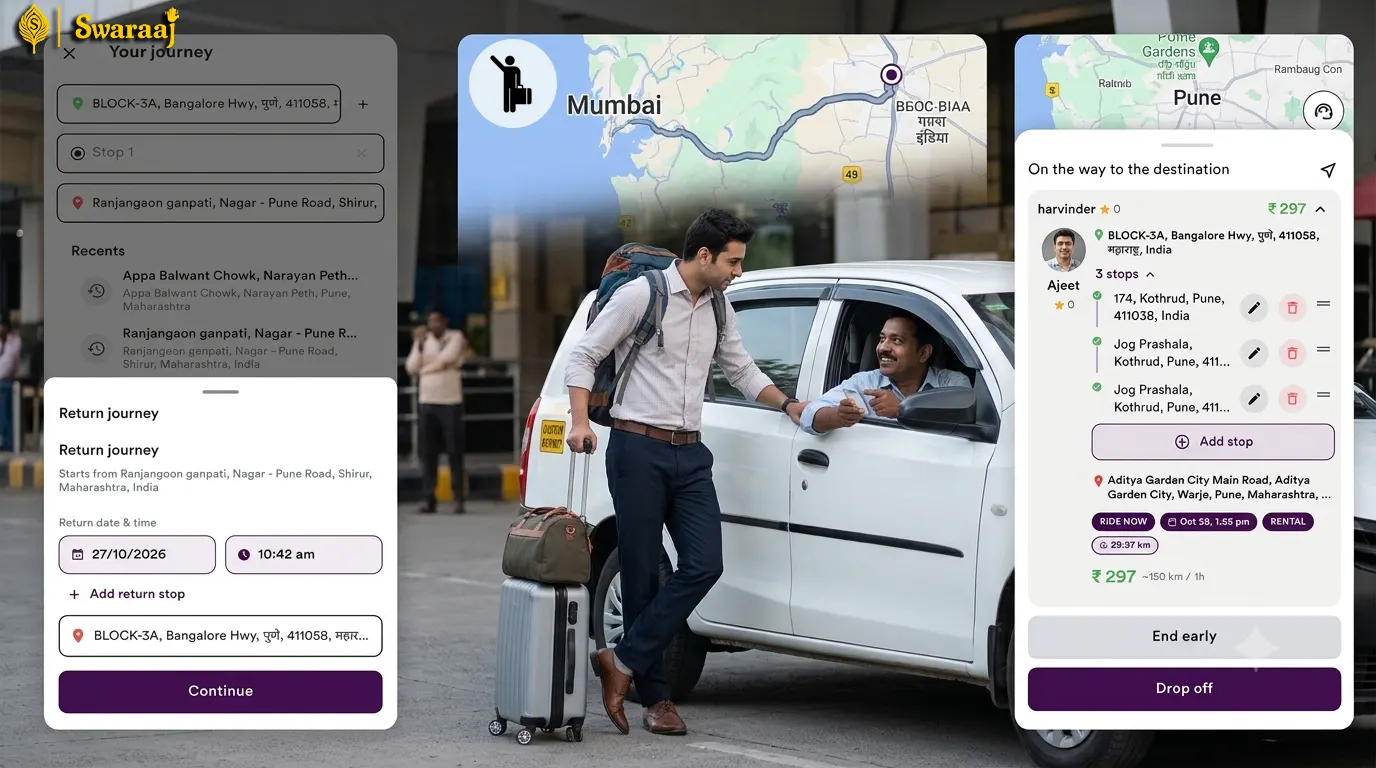
Not every passenger books through an app. A traveller may approach you directly at an intercity bus stop, railway station or roadside pickup point and ask for an outstation journey. You can create and manage a Hail / Spot Trip through the Driver App without requiring the passenger to use the Swaraaj Rider App.
Wallet check: The app checks whether your wallet has sufficient balance for the applicable trip deduction before a Hail / Spot Trip can be started.
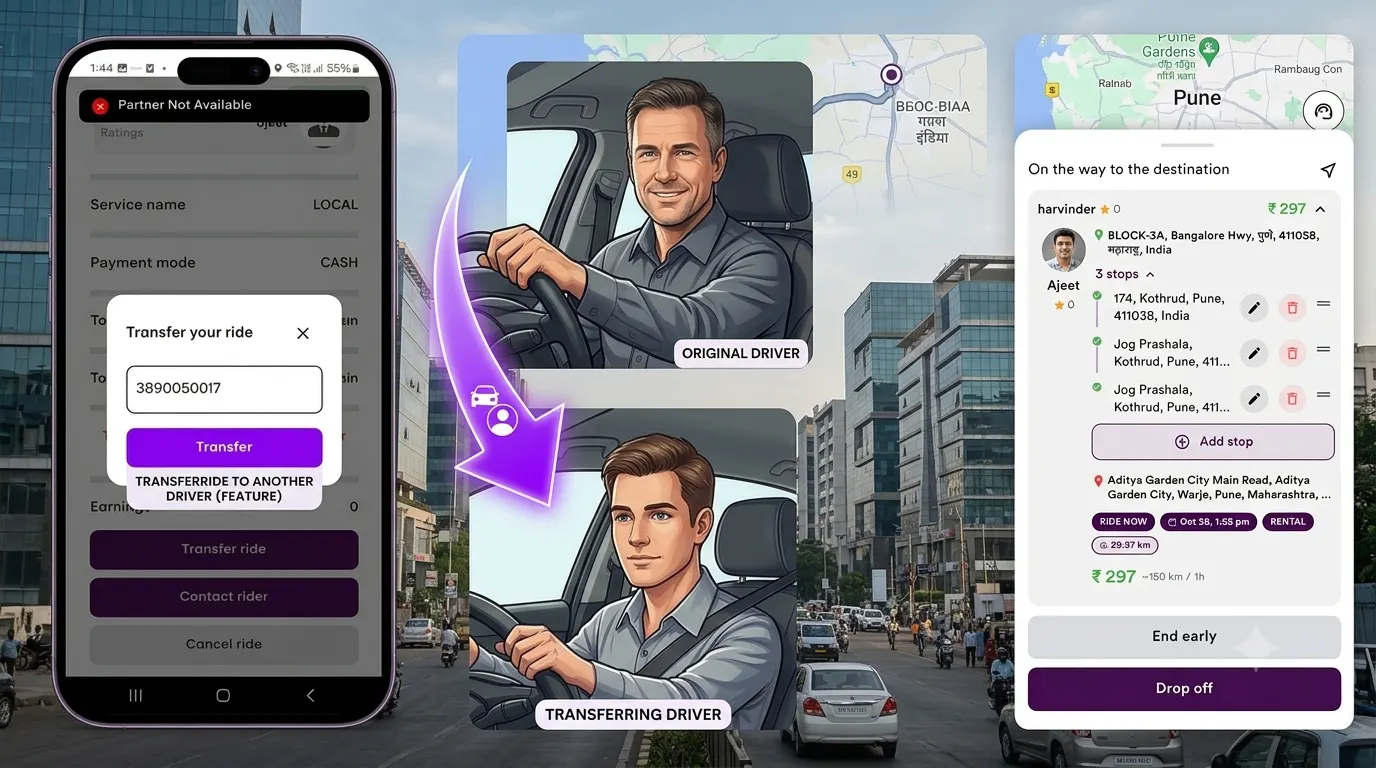
A practical way for drivers to arrange another eligible driver when they cannot complete an accepted scheduled journey.
Sometimes a driver may accept a scheduled Rental or Outstation trip but later face a situation where they cannot complete the journey.
Swaraaj is developing a Ride Transfer feature to help drivers arrange a transfer of an accepted scheduled trip to another eligible driver.
The original driver can initiate the transfer after accepting the scheduled trip. Another eligible driver can review the trip details and decide whether to accept it.
Important: Ride Transfer is intended for eligible accepted scheduled trips, not immediate Ride Now requests. A transfer is not guaranteed until another driver accepts it.
Receive immediate trip enquiries from riders who select your profile. Review each request and decide whether to accept or reject it.
Handle scheduled trip enquiries and review accepted scheduled trips through the Driver App.
Create a trip when a passenger approaches you directly, including passengers who do not use the Rider App.
Maintain your driver profile and share it with potential or existing customers using available sharing options.
Use the available rider relationship tools to help maintain connections with riders you have travelled with.
Access the trip information and controls available for your accepted and completed journeys.
The Driver App is designed for professional drivers using supported vehicle and service categories. Registration, verification and service availability depend on the applicable country and operating requirements.
Drivers must complete the registration and verification steps shown in the app and provide the applicable driver, vehicle and document information. Available services may vary by location.
Driver onboarding and document requirements will depend on the country, local regulations and Swaraaj's availability in that market. Check the applicable local onboarding information before registering.
For more detailed answers, visit the Driver App FAQs.
Find answers about registration, trips, wallet, pricing and app features.
Read Driver FAQs →Understand how riders discover nearby drivers and send trip enquiries.
Explore the Rider App →Explore the driver app usage guide and available instructions.
View Driver App Guide →Take the next step towards building and managing your driving business with technology.
Searches for “Swaraaj Driver App” and “Swaraj Driver App Download” can lead you to the Swaraaj Driver App on Google Play. Swaraaj is a driver empowerment mobility platform designed to help professional drivers build, manage and grow customer relationships using technology. Drivers can maintain a profile, share profile information, receive rider enquiries, use available pricing settings and create Hail / Spot Trips for passengers who approach them directly. App features, verification requirements and trip availability may vary by location.